
Planning, process & cost
Built-in home office desks: comfort before cabinetry
A fitted desk should support your working position, not dictate it.
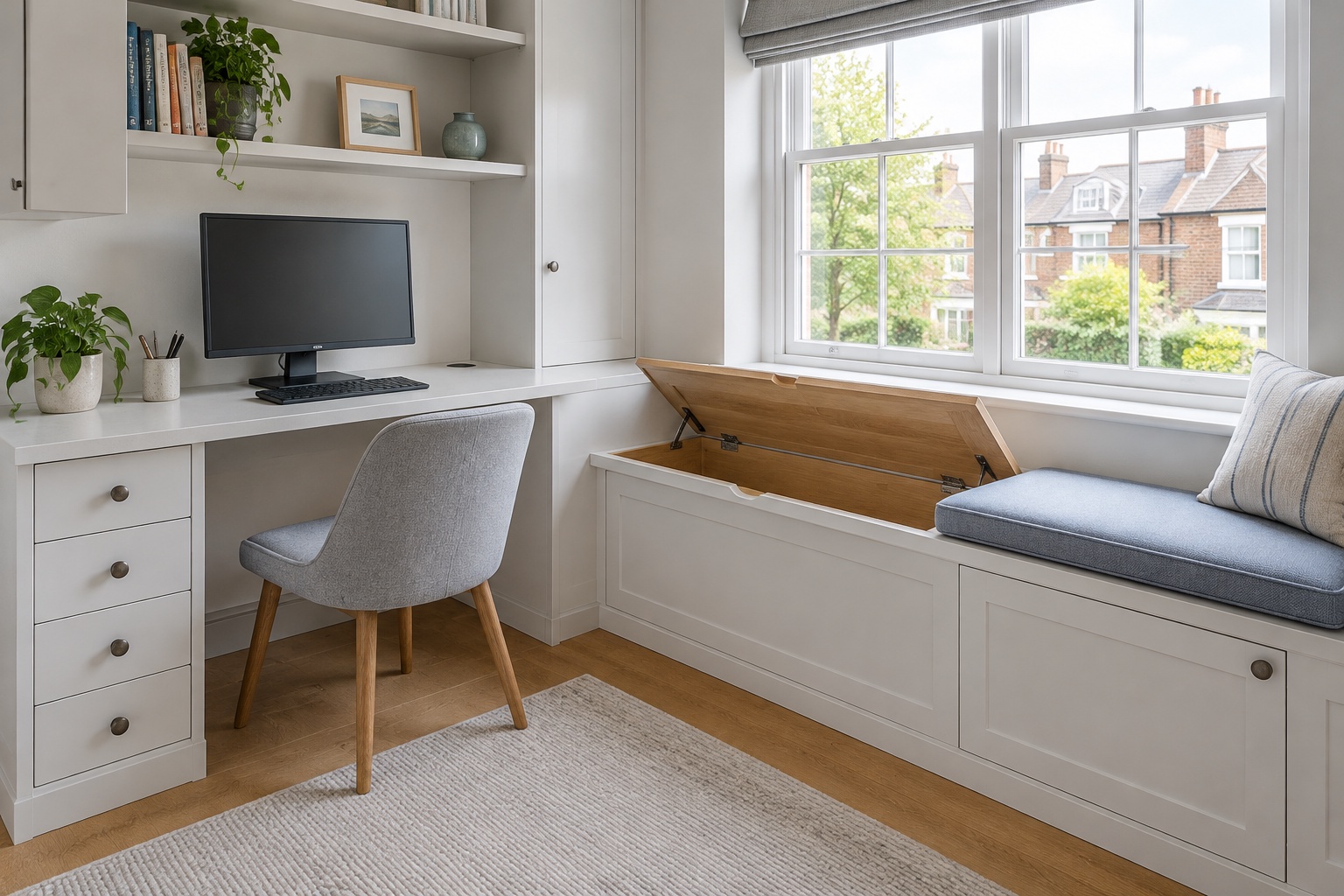
A built-in desk can look beautifully integrated while leaving you perched too high, twisting towards a screen or crawling beneath cupboards to restart equipment. Start with the person and the working setup, then fit the joinery around them. Desk height, knee space and screen position are linked, so choosing each in isolation rarely works. Before approving a fixed surface, test the proposed arrangement using your own chair and equipment, including everything that stays connected during a normal working day.
Mock up a comfortable working position
Set your chair so your feet are supported and your shoulders can relax while you type. Bring the keyboard and pointing device close enough that you do not need to reach forward. Then establish a worktop level that suits that position rather than copying the height of a convenient chest of drawers. Individual needs and equipment make a difference.
Use a temporary surface to try the arrangement over normal tasks. Check typing, handwriting and video calls, not just a brief sit at the desk. If several people will share it, discuss how adjustment will be achieved. A fixed fitted top may be unsuitable where users need substantially different positions.
Keep the knee space genuinely clear
Measure the clear opening between pedestals and below the worktop, including support rails, cable trays and drawer boxes. A broad desktop does not guarantee comfortable legroom. You should be able to change position and move the chair without knees striking a concealed brace or feet meeting a rear cabinet panel. Test the chair arms under the proposed edge too.
Do not squeeze drawers into the central opening simply because there is unused width on the elevation. Put regularly accessed storage where it can open without forcing you to stand or trapping the chair. If a footrest is needed, include its footprint and the movement required to use it comfortably.
Position screens before fixing the depth
Place the main display directly in front of your normal seated position, at a distance that allows clear reading without leaning forward. Adjust its height so your head and neck can remain comfortable. Glasses, screen size and the task may change the best arrangement, so test with your actual setup rather than a decorative substitute.
Allow depth for the monitor stand or arm, keyboard and any documents used together. Monitor arm clamps need an appropriate edge detail and suitable support; a hollow or heavily overhanging surface may need another fixing solution. Check the full arm movement against walls, shelves and windows before deciding the desktop can be made shallower.
Plan for daylight without screen glare
Sit at the intended desk position at different times of day. A window directly behind the screen can create uncomfortable contrast, while one behind you may reflect across the display. The best arrangement depends on window orientation, shading and how the room is used. Check whether moving the working position slightly would reduce the problem before fixing the cabinet layout.
Include task lighting for paperwork without placing a bright reflection on the screen. Keep switches reachable from the chair. If shelving is planned above the desk, check that it does not shade the entire working area or put a low edge where you might strike your head when standing up.
Give every cable a route and an exit
List the equipment that needs power, data or charging, including occasional visitors such as a work laptop. Draw routes from sockets to the devices and provide openings large enough for plugs and connectors, not just cable thickness. Removable grommets or access panels can make replacement possible without dismantling the desktop.
Keep cables away from chair wheels, sharp edges and moving drawers. Allow slack where a monitor arm or adjustable component moves, with enough restraint to prevent snagging. An electrician should assess new or altered socket arrangements. Do not build a scheme around inaccessible extension leads or assume that enclosing a collection of power supplies is acceptable without checking their requirements.
Design equipment compartments for maintenance
A printer needs room beyond its closed dimensions. Paper trays extend, scanner lids rise and cartridges may be replaced from above or behind. Record those working clearances before placing it on a shelf or pull-out platform. Check the loaded equipment weight and whether a moving shelf needs a retaining arrangement suited to the task.
Computers, docks and power supplies also need ventilation in accordance with their manufacturers' instructions. A discreet cupboard is not automatically a suitable equipment enclosure. Leave a practical way to see indicator lights, operate controls and disconnect plugs. If maintenance requires lifting a heavy computer past a narrow door, reconsider the opening while the design is still flexible.
Support the top for its real loads
Tell the designer about multiple monitors, desktop computers, printers and any concentrated loads from arms or brackets. Surface thickness alone does not establish adequate support. The span, material, fixing arrangement and underlying structure all matter, particularly where a long clear knee opening is desired without legs at the front.
Wall fixing positions must suit the actual wall construction and avoid concealed services. Discuss front edge shape as well as strength: a sharp edge pressing into your forearms can undermine an otherwise comfortable setup. Choose a finish that tolerates everyday contact and the intended cleaning method, and clarify how joints will be positioned away from the main working area.
Rehearse an ordinary working day
Mark out the proposed cabinetry and move through starting work, taking a call, printing, filing and finishing for the evening. Open every door and drawer in that sequence. Check whether the desk chair blocks the room entrance or a nearby cupboard, and whether another person can pass without disturbing your working position.
Agree which parts can change later as equipment is replaced. Adjustable shelves, accessible cable openings and replaceable desktop fittings are more useful than tightly shaped recesses around a single device. Confirm electrical work, decoration and final measurements in the installation sequence. The approved drawing should describe clear openings and service access as well as the visible furniture.
Questions we're asked about this
Planning a fitted desk for your equipment?
Share your chair and equipment setup, room dimensions and cable-access needs when enquiring about fitted desk cabinetry.
Get a free quote
Reply within 24 hours - No obligation